
For smartphone users who want to maximize their device’s longevity, AccuBattery provides essential insights directly related to battery health. This Android application delivers practical data on battery usage, charging habits, and overall capacity, empowering you to make informed decisions. It is ideally suited for power users and anyone concerned about preserving their phone’s battery life over the long term.
Monitor Real-Time Battery Usage
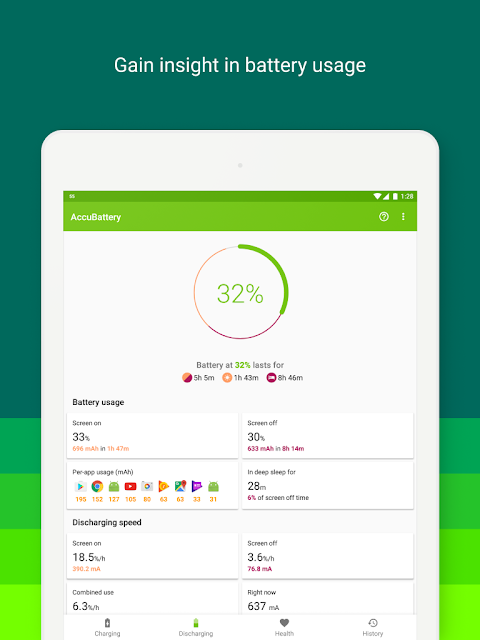
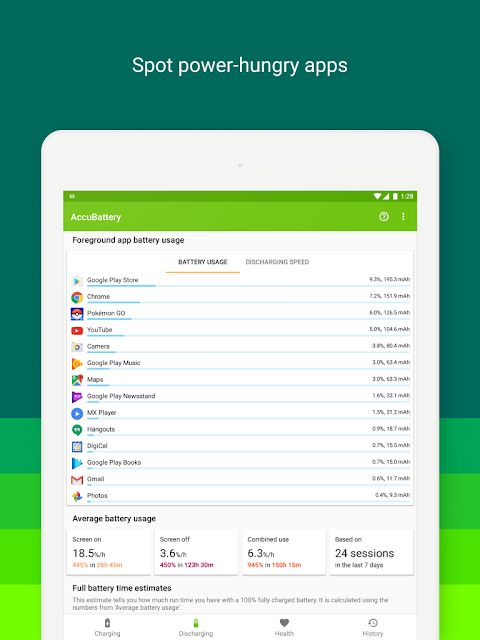
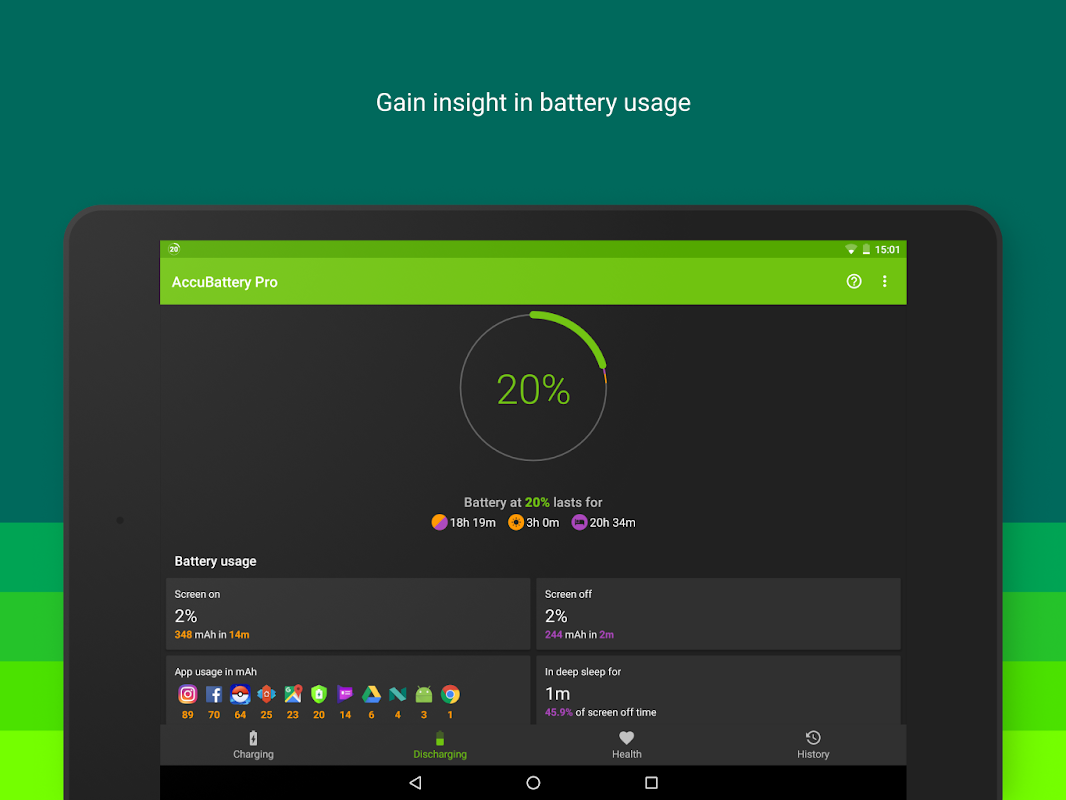
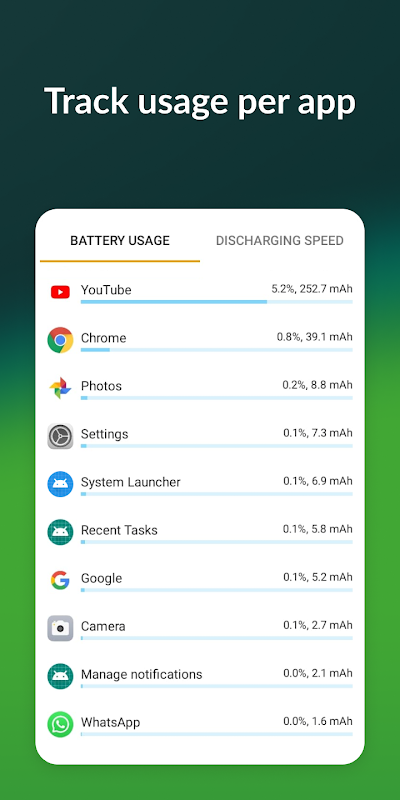
AccuBattery displays detailed, real-time information about which apps are consuming the most power, both in the foreground and background. This allows you to identify and manage energy-draining applications effectively. By understanding your usage patterns, you can take proactive steps to extend your battery life throughout a single charge.
Optimize Your Charging Habits
The app introduces a science-based approach to charging by recommending that you stop charging at 80% to reduce battery wear. It uses alerts and detailed statistics to educate you on how partial charges can significantly prolong your battery’s overall lifespan. This feature helps mitigate the degradation that occurs with continuous full charging cycles.
Track Long-Term Battery Health
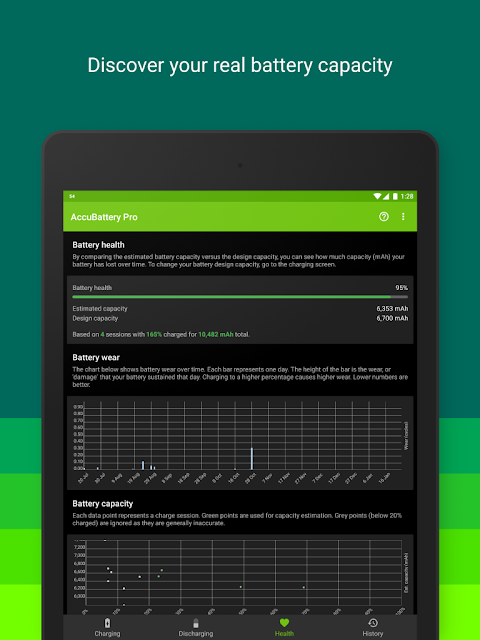
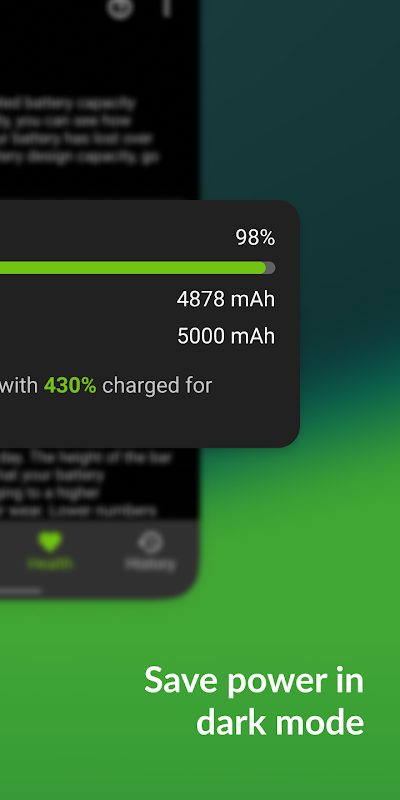
AccuBattery estimates your battery’s design capacity and compares it to its current measured capacity over time. This provides a clear picture of your battery’s health and how it is aging. Watching this health percentage helps you understand when your battery’s performance might be declining due to normal use.
Analyze Detailed Charging History
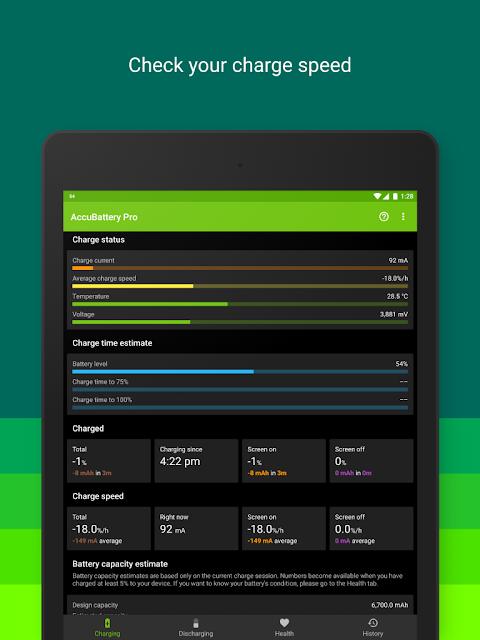
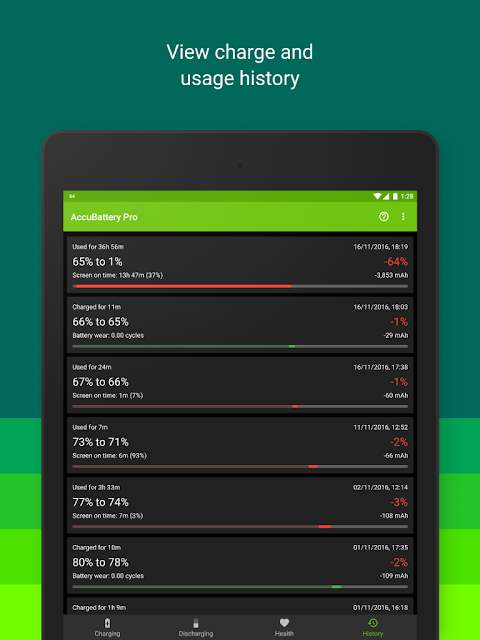
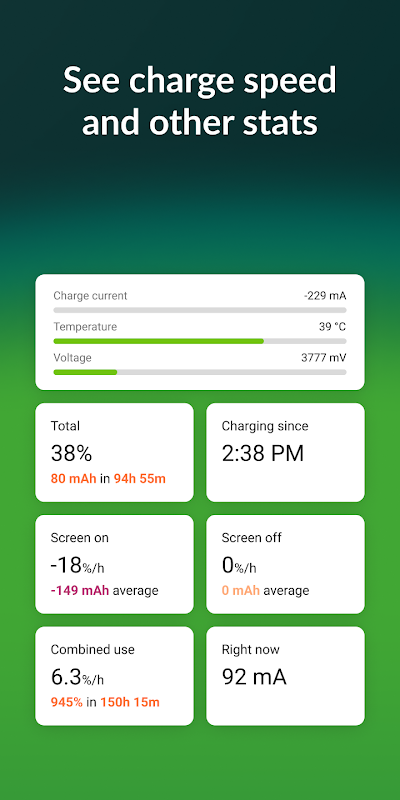
You can review comprehensive historical data about your charging sessions, including speed and duration. The app breaks down how much capacity was added during each charge and calculates the resulting wear on the battery. This analysis is invaluable for recognizing habits that may be shortening your battery’s usable life.
Understand Deep Sleep Efficiency
The application monitors how effectively your device enters deep sleep mode, a state of minimal battery consumption when the screen is off. It reports the percentage of time spent in deep sleep versus being awake due to app activity. Improving this metric is a direct way to reduce overnight battery drain.
Customizable Alarms and Notifications
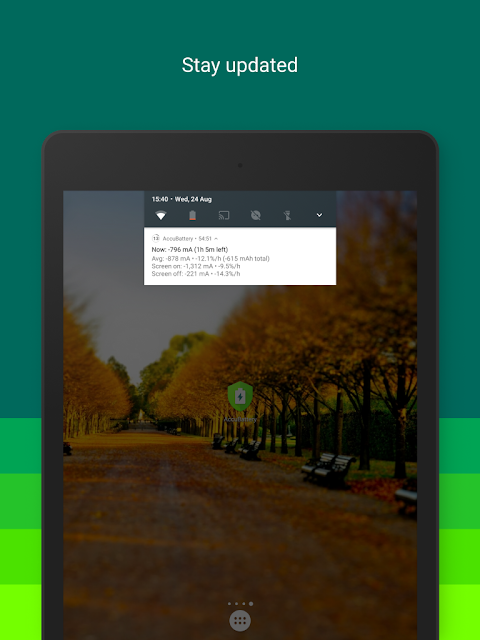
AccuBattery allows you to set customizable alarms for charge levels, temperature, and discharge rate. You can receive an alert when your battery reaches a specific charging percentage you define. These proactive notifications help you maintain your battery without constantly checking your phone.
Frequently Asked Questions
The health measurement is an estimate based on the charge you put into the battery versus its voltage. While highly informative for tracking trends over time, it should be considered an educated estimate rather than a laboratory-grade diagnostic.
The app is designed to have a minimal impact on your battery life. It runs essential services in the background to collect data, but its own consumption is typically very low and is reported transparently within the app.
Lithium-ion batteries experience the most stress when charged to their maximum capacity. Stopping at 80% significantly reduces the voltage stress on the battery, which is a primary factor in long-term chemical aging and capacity loss.